shadeupaiTry Now

AI Makeup Try-On

Try Any Makeup Look on
Your Own Face with AI

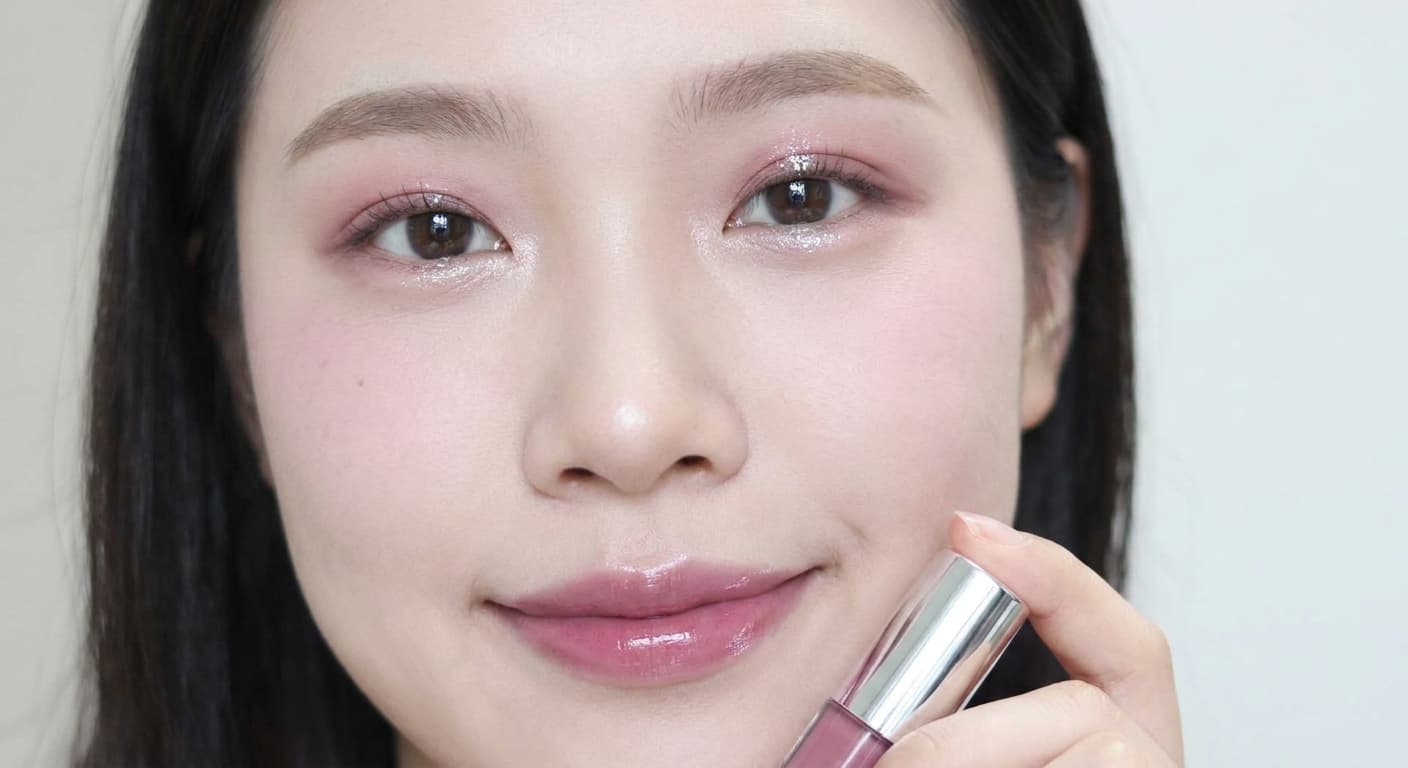
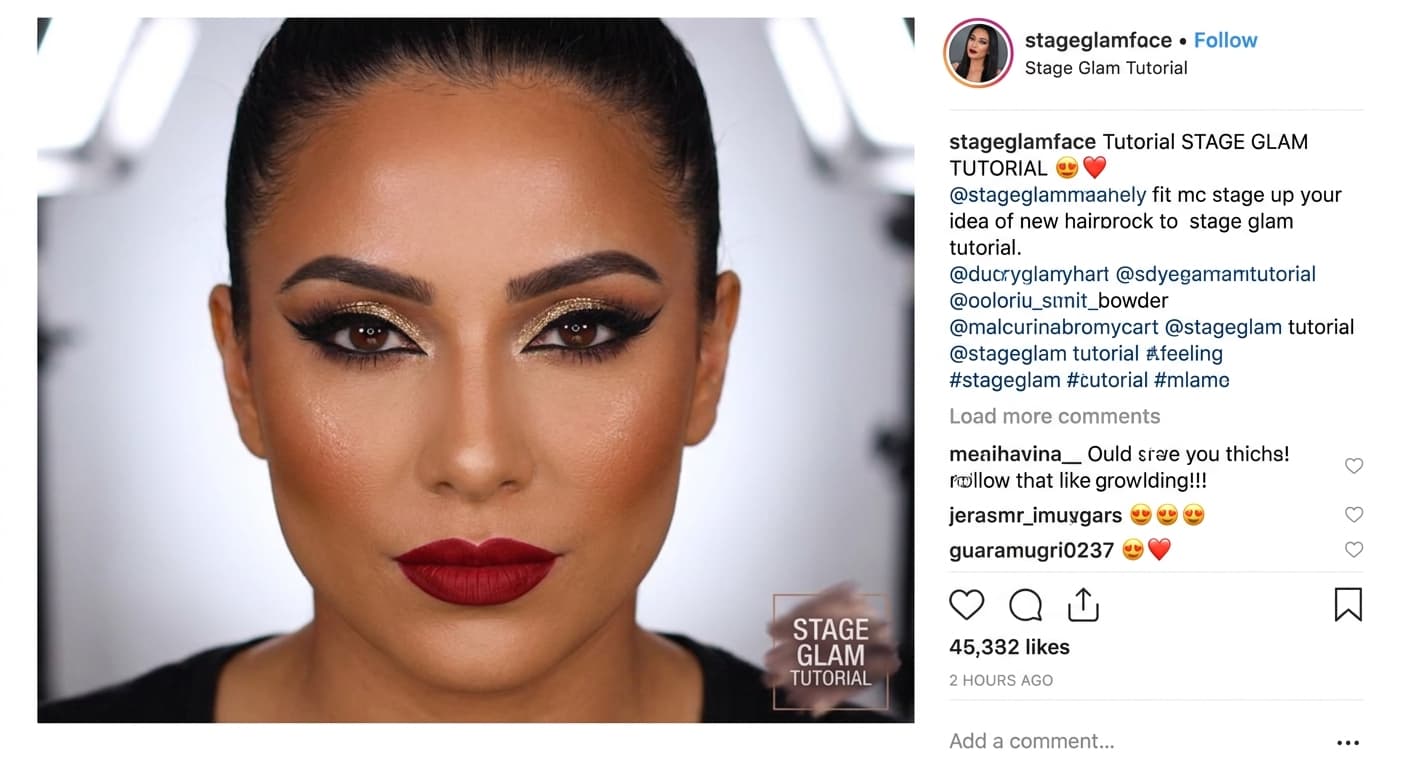
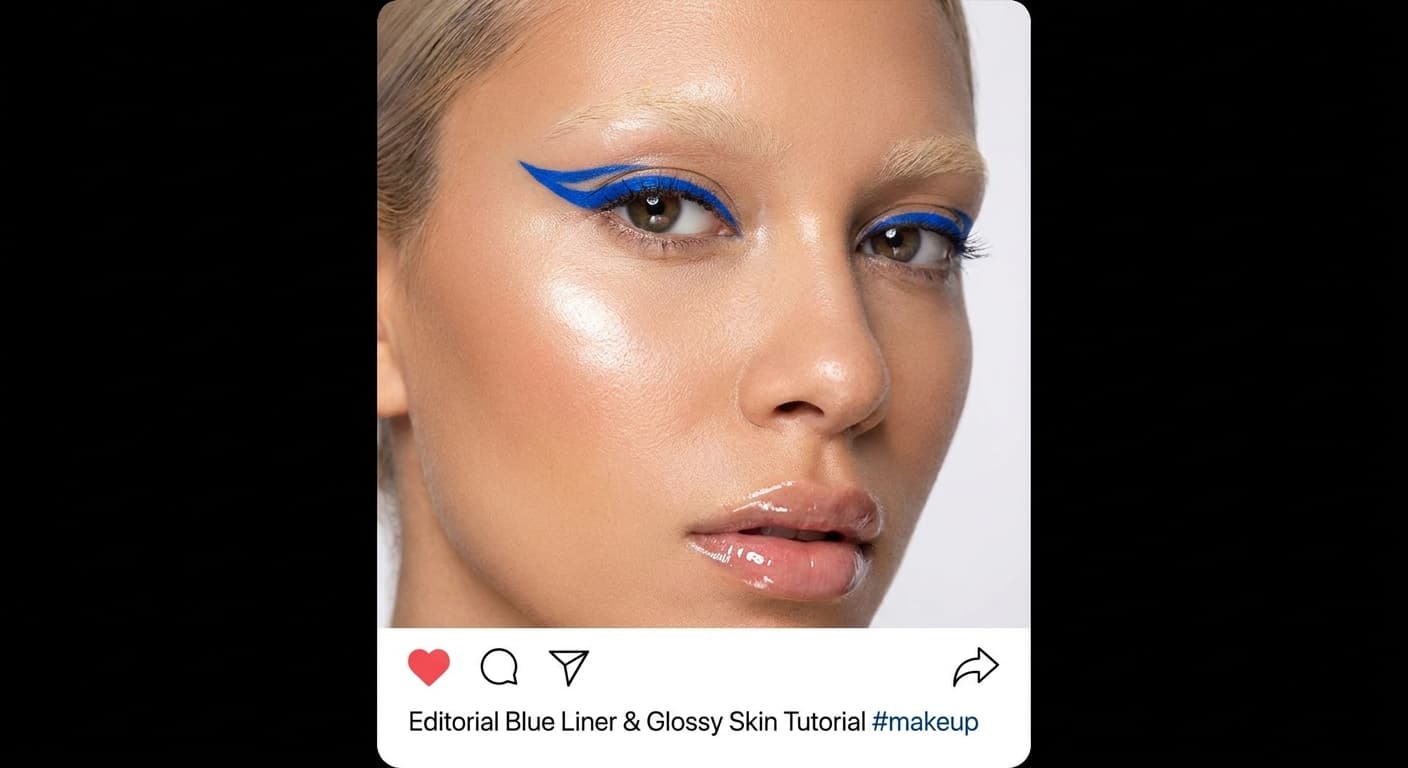
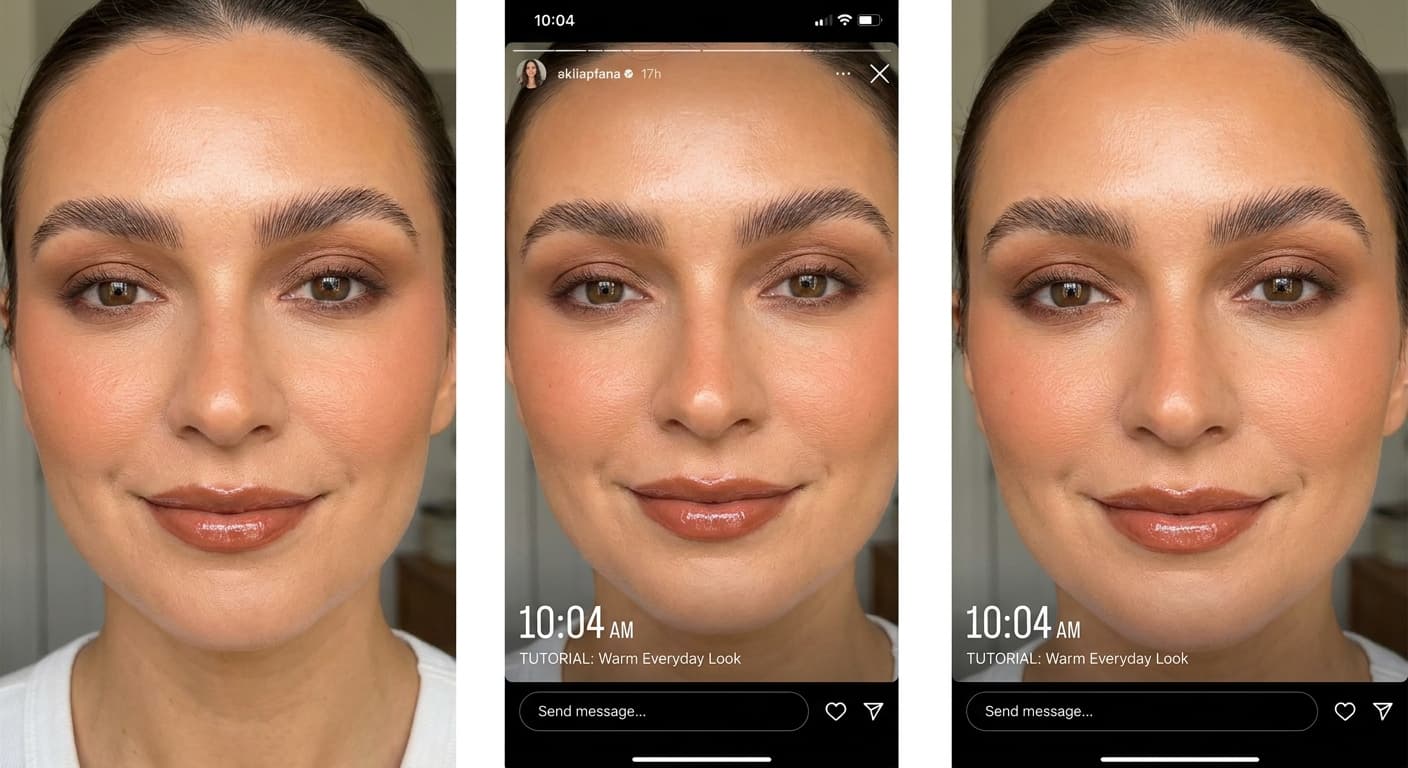
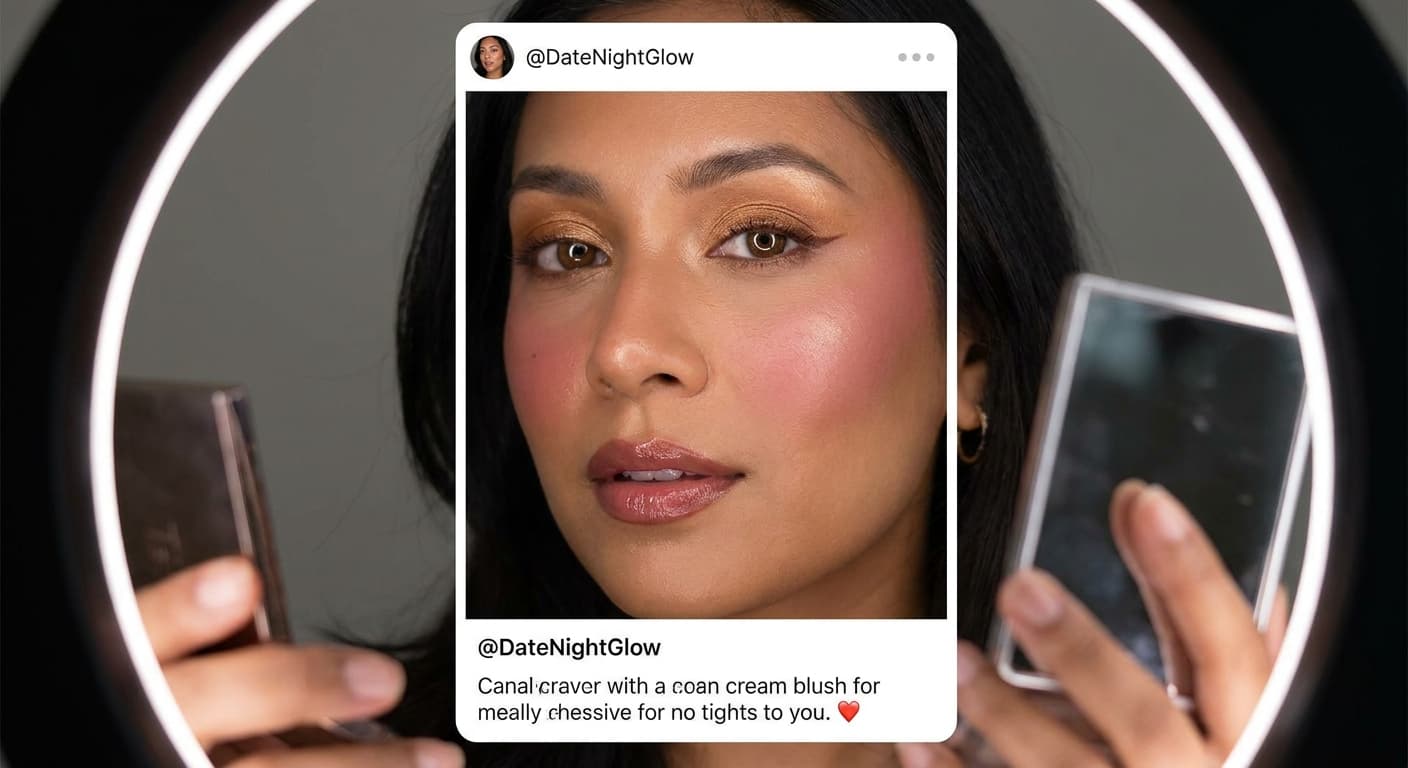
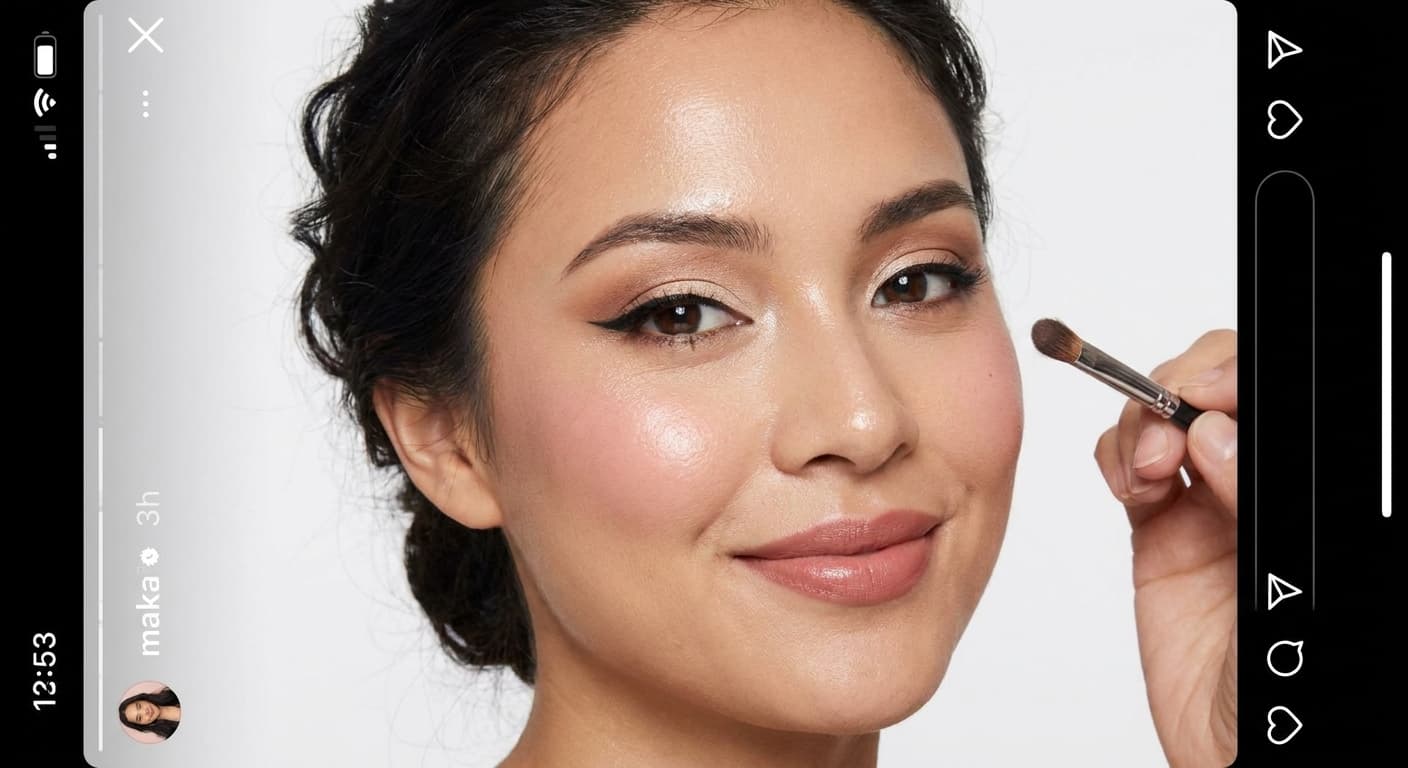
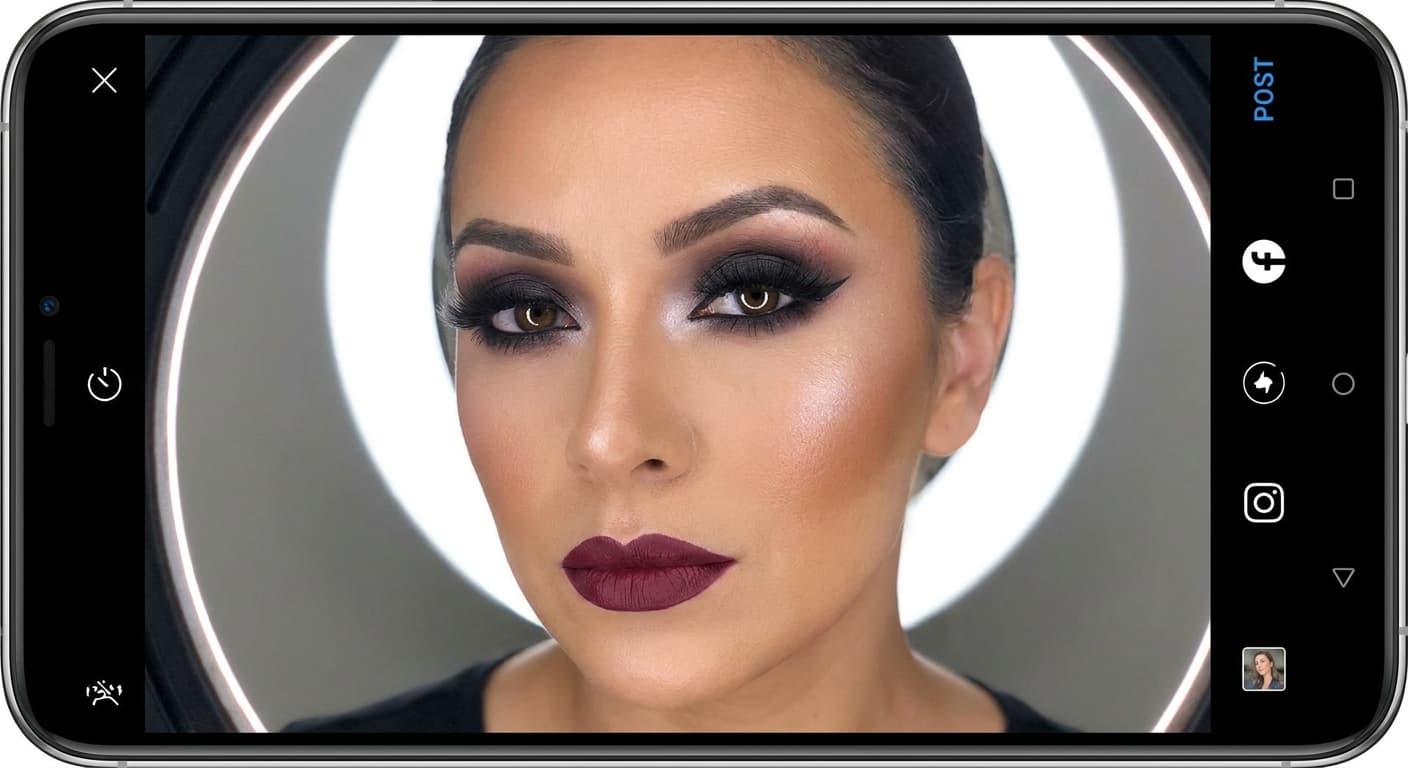
See a look you love on TikTok or Instagram? Screenshot it, upload it, see it on your own face.

1Upload Selfie2Pick or Upload a Look3See It On You

3 free tries · No signup required

After
Before
◀▶
BeforeAfter

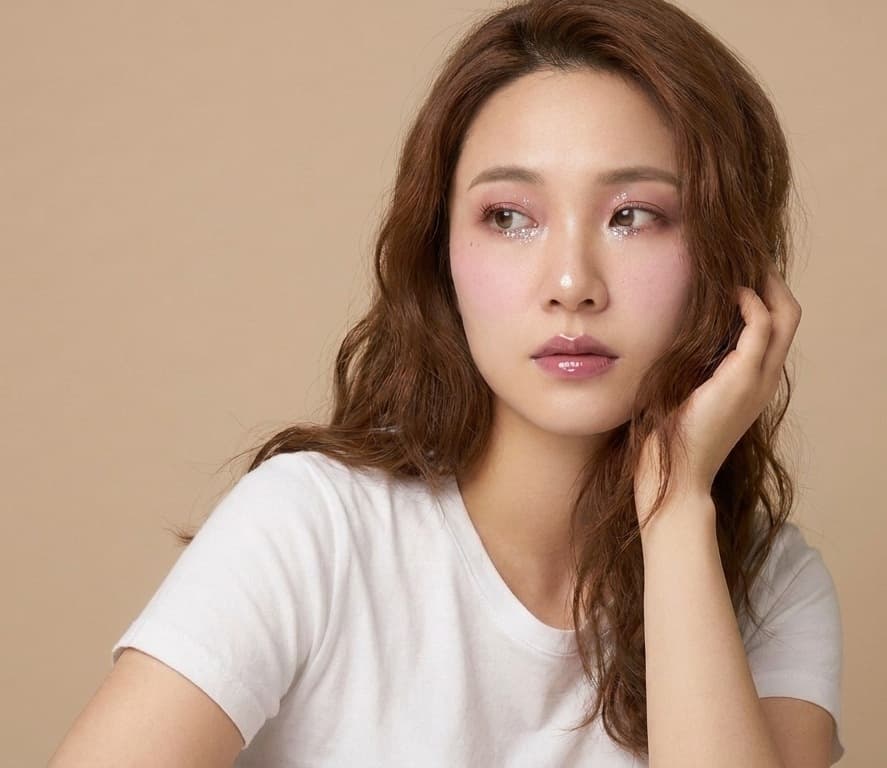
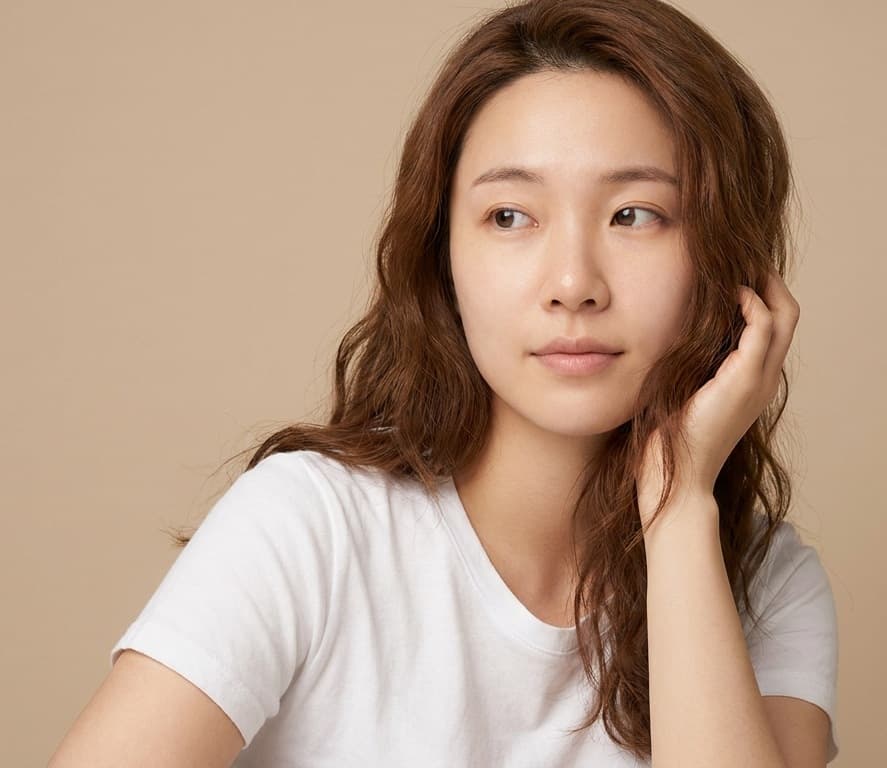
Same face. Same skin tone. Only the makeup changes.

Drag to compare · generated by shadeupai's AI pipeline
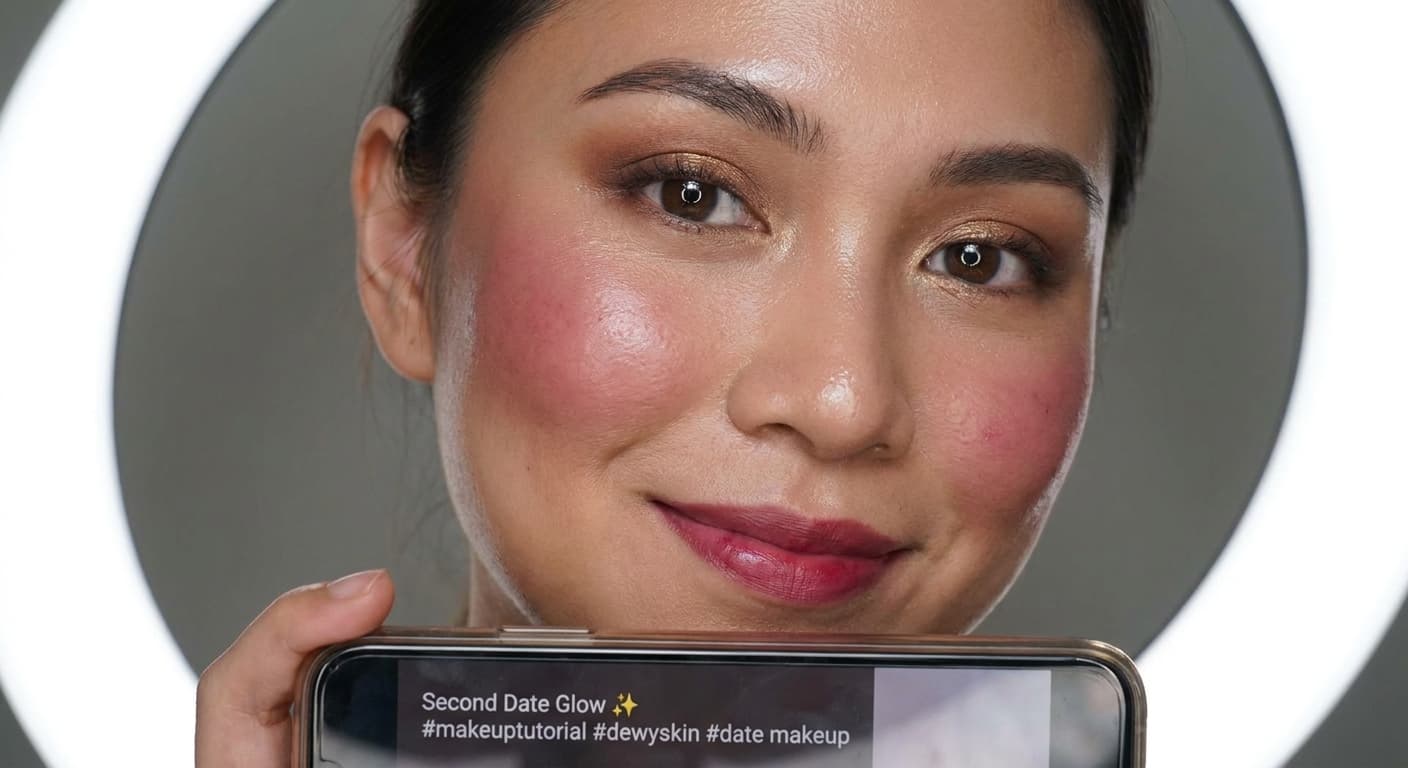
Two-stage AI pipeline

We parse the makeup look first, then apply it — so watermarks or borders from a reference screenshot never bleed into your result

Your skin tone and face shape stay yours

Results are generated from your actual photo — tested across deep skin tones, fair skin with freckles, and mature skin

Comes with a product list

Every result includes a step-by-step tutorial and the product categories and shades used — not just a picture

Free to try

Your first 3 tries are free, no signup required

Same look, every skin tone

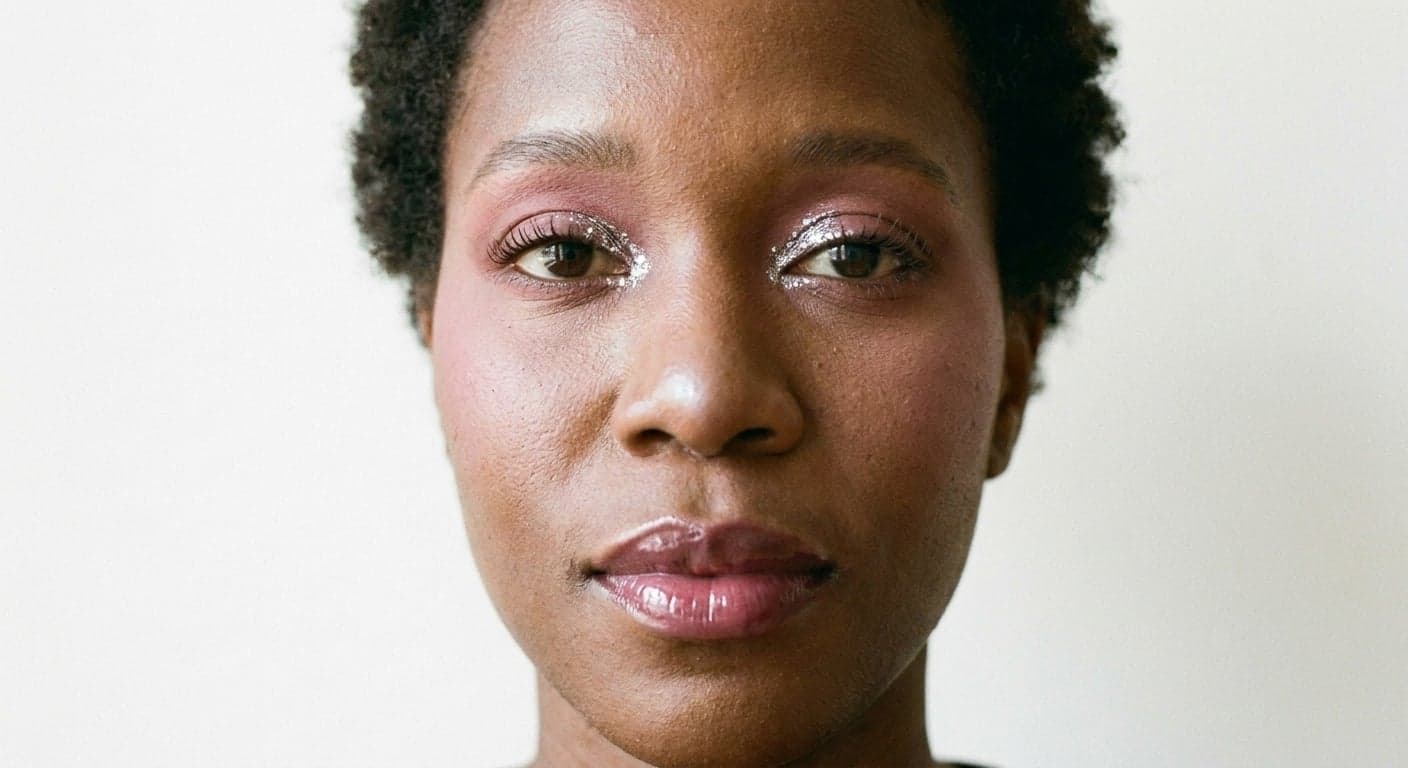
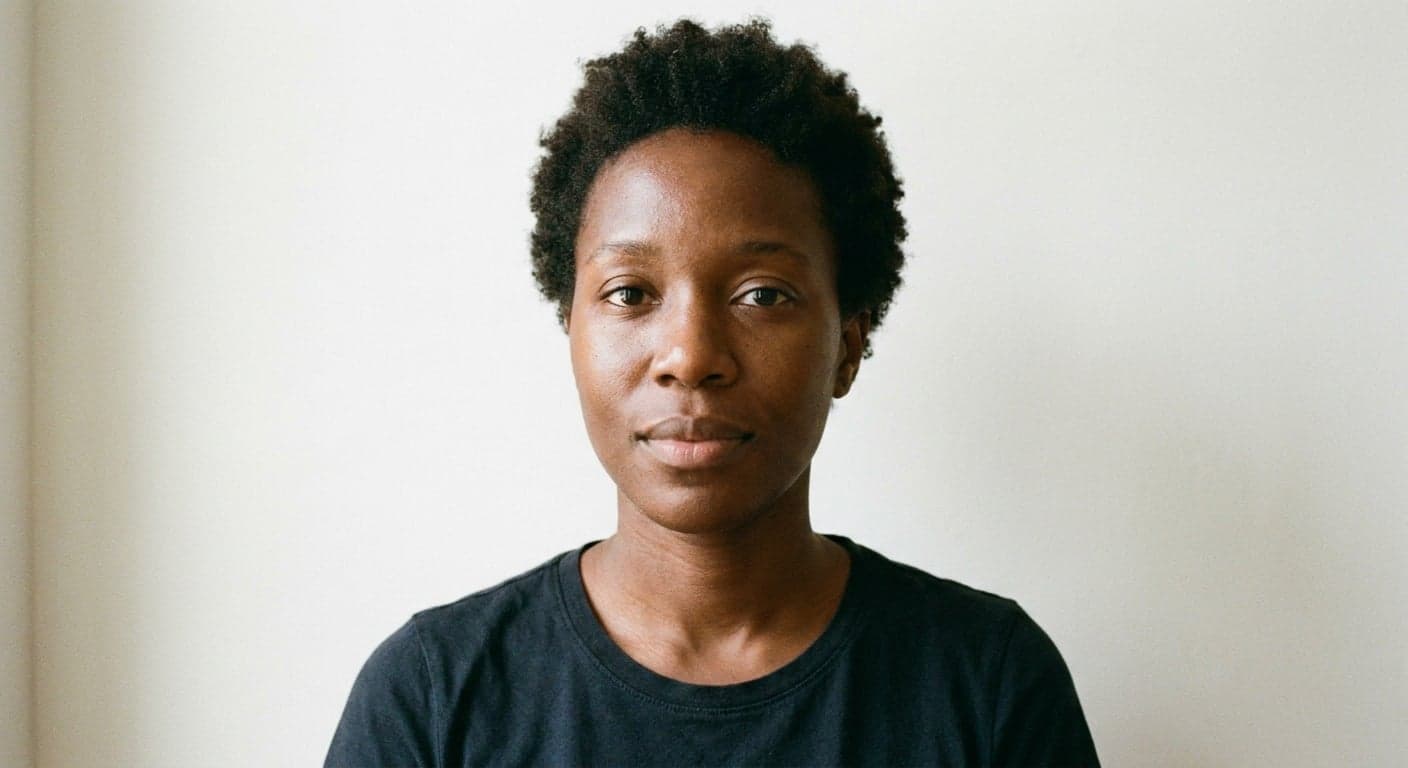
One makeup look, three real faces — skin tone, freckles, and texture stay exactly as they were.

After
Before
◀▶
BeforeAfter

Deep skin tone

After
Before
◀▶
BeforeAfter

Fair skin, freckles

After
Before
◀▶
BeforeAfter

Mature skin

Drag to compare · Dewy Sweet Rose Glow rendered on synthetic test photos, not real users

Try It Right Now

Upload a photo, pick a look, see the result

1 · Upload your bare-face photo

🔒 Private — used only to generate your result. Never sold or used for AI training.

2 · Pick a look

Found a look you love? Upload a screenshot and see it on your face — usually takes about a minute since we analyze it first. Picking from the library below is faster (~30-40s typically).

Or pick one from our look library (fastest)

The look library

Every one of these is verified on real test faces before it goes in.

Browse all looks →

How It Works

Three steps, nothing to download

01

Upload your photo

A front-facing photo with even lighting is enough — bare face or light makeup both work

02

Pick a look

Choose from our look library, or upload a screenshot of a look you found online

03

Get the result

In under a minute, get your result plus a step-by-step tutorial and product list

Why the result still looks like you

It still looks like you

A lot of try-on tools subtly change your face shape and skin tone along with the makeup. Our pipeline only layers cosmetics onto your actual photo — face shape, freckles, and skin tone stay exactly as they were. We tested this specifically before launch.

A curated look library, not random generations

Looks that barely show up after generation don't make it into the library. Every preset is verified first to make sure the effect is actually visible on real faces.

More than a picture — a tutorial too

Every result comes with a step-by-step breakdown plus the product categories and shades used, so you know how to recreate the look, not just what it looks like.

Frequently Asked Questions

shadeupai is an AI makeup try-on tool that lets users upload a selfie and a makeup reference image to preview that makeup look on their own face while preserving their facial identity and skin tone.

AI makeup try-on is a technology that applies a chosen makeup look onto a photo of your own face using AI image generation, so you can see what a specific look — your own, or one you found online — would actually look like on you before applying any real makeup.

shadeupai's pipeline only layers the makeup itself onto your photo — it doesn't alter your face shape, skin tone, or features, which is a common issue with some try-on tools. Every preset look is also tested on real photos first, so the effect you see in the library is the effect you'll actually get.

No. The AI pipeline is built to only layer the makeup itself onto your photo — your face shape, skin tone, freckles, and other features stay exactly as they were in your original photo. This is tested specifically before any look is added to the library.

Your photo is sent to our AI image-processing provider to generate this result, and never used to train AI models or sold to anyone. Uploaded and generated images are stored so you can come back and view your results, and you can permanently delete all of your images at any time.

Looks from our library usually take under a minute, occasionally longer for a complex look. If you upload your own reference look, it takes extra time because the system has to analyze that look first.

Every preset look is verified before it's added — we make sure the effect is clearly visible on test photos. Looks that turn out too subtle to notice don't get added.

Yes. There's a dedicated option on the upload screen — upload a reference photo of a look you found anywhere (a TikTok or Instagram screenshot is fine, any watermark, caption, or UI border won't carry over into your result), and the system will figure out the look and apply it for you.

There's no separate Korean-makeup category in the preset library yet, but you can upload a screenshot or photo of any Korean makeup look you found — glass skin, gradient lips, straight brows, whatever it is — through the "upload a look" option, and the system will analyze and apply it to your photo.

Yes — Find My Makeup Type analyzes a selfie and tells you which style family (Natural, Soft Glam, Bold & Graphic, or Classic Glam) tends to suit your features, with specific looks from the library recommended for you. Every look page also lists who it tends to suit — skin tone, eye color, undertone, occasion, and difficulty — for browsing on your own.

Your first 3 tries are completely free, no signup required.